

Automated scanning tools are reshaping how organizations handle security after deployment. They offer constant monitoring, detect vulnerabilities quickly, and reduce manual work – key for keeping up with evolving threats. This is especially crucial for small to medium businesses and teams using fractional CTO services, where resources and expertise might be limited.
Here’s a quick look at three leading tools:
- Indusface WAS: Focuses on web application security with fast scans, expert guidance, and low false positives.
- Swimlane Turbine: Automates complex security workflows and integrates with multiple tools for large-scale operations.
- Wiz: Provides a unified view of cloud security, scanning all assets in real time without agents.
Quick Comparison:
| Tool | Best For | Key Strengths | Limitations |
|---|---|---|---|
| Indusface WAS | Web application-heavy businesses | Fast scans, expert insights, low cost | Limited to web applications |
| Swimlane Turbine | Large enterprises | Advanced automation, strong integrations | High cost, steep learning curve |
| Wiz | Cloud-native organizations | Real-time cloud scans, agentless design | Cloud-only focus |
Each tool addresses specific needs, from web app security to cloud environments and workflow automation. Selecting the right one depends on your organization’s focus, infrastructure, and budget.
Comparing the BEST Website vulnerability scanners [2024]
1. Indusface WAS
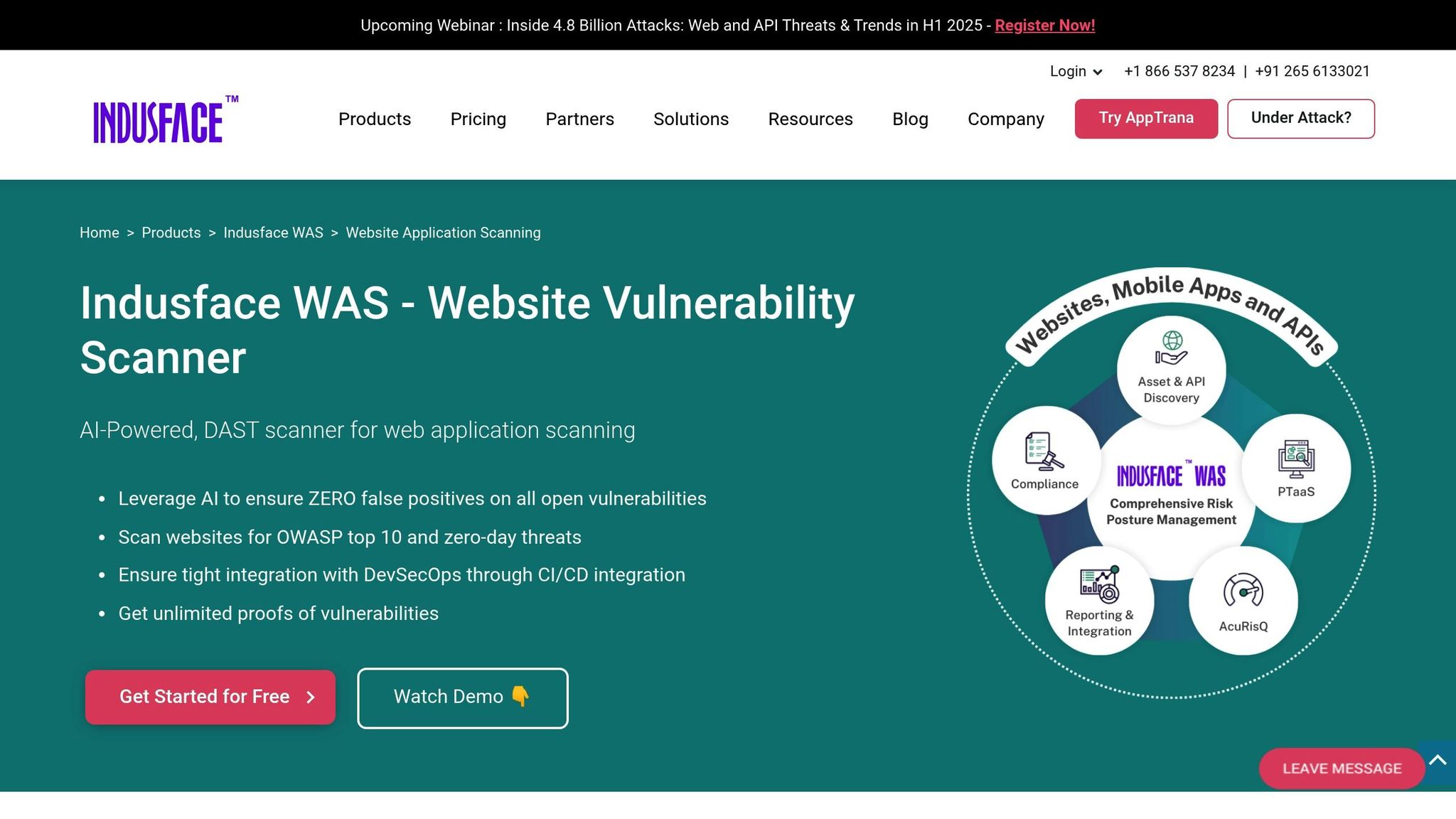
Indusface Web Application Security (WAS) is a cloud-based platform designed to identify vulnerabilities in web applications. By combining automated scanning with expert security guidance, it offers a practical solution for businesses that need robust security without the overhead of building large in-house teams.
This platform continuously monitors for vulnerabilities like SQL injection, cross-site scripting (XSS), and authentication bypass. What makes Indusface stand out is its hybrid approach – it not only scans and reports issues but also provides expert assistance to interpret findings and prioritize fixes.
Speed and Scalability
Indusface WAS delivers results fast – typically within 15-30 minutes, depending on the size and complexity of the application. It’s capable of scanning multiple applications at the same time, making it a great fit for organizations managing several web assets.
The platform is built to grow with your business. Whether you’re running a simple website or a complex enterprise portal, it handles the workload without requiring you to invest in additional infrastructure. For fractional CTOs juggling multiple client environments, this speed and scalability are game-changers, allowing them to quickly evaluate the security of various applications without long delays.
Accuracy and Coverage
Indusface WAS covers the OWASP Top 10 vulnerabilities thoroughly and goes beyond basic automated scans. By integrating manual testing from security experts into its process, it minimizes the false positives that are common with fully automated tools.
The platform’s managed services include expert verification of scan results, which reduces false positives to under 5%. It also provides actionable remediation guidance, offering not just a list of issues but specific steps, code examples, and configuration changes to resolve them effectively.
Integration Capabilities
Indusface WAS is designed to fit seamlessly into existing development workflows. It integrates with popular tools through REST APIs and webhooks, and it works with CI/CD pipelines to automate scans during code deployments.
For teams using ticketing systems like Jira, the platform can automatically generate detailed tickets for discovered vulnerabilities, complete with suggested fixes. It also supports DevOps tools like Jenkins, GitLab, and Azure DevOps, embedding security scanning into the regular development cycle. This integration ensures that security isn’t treated as an afterthought but as a built-in part of the development process.
Cost Effectiveness
With subscriptions starting at $200–$400 per application per month, Indusface WAS offers a cost-efficient alternative to hiring dedicated security staff. The pricing includes both automated scanning and access to security experts, making it an attractive option for small to medium businesses.
2. Swimlane Turbine
Swimlane Turbine is a security orchestration, automation, and response (SOAR) platform that streamlines post-deployment security scanning. By automating everything from scanning to incident response, it simplifies and strengthens security workflows.
At its core, Turbine functions as a low-code automation engine, connecting various security tools to create unified, efficient workflows. This is especially useful for organizations juggling multiple security solutions but struggling with the manual coordination they require. Turbine takes established scanning practices to the next level by integrating automation at every step.
Speed and Scalability
Turbine is built for speed. It processes security events quickly, minimizing the need for human intervention and allowing routine tasks to be completed faster than traditional methods. Designed to scale seamlessly across cloud environments, it ensures that client infrastructures remain isolated while avoiding operational bottlenecks. Another standout feature is its ability to run multiple remediation workflows simultaneously, which significantly reduces the time between detecting an issue and resolving it.
Accuracy and Coverage
In addition to speed, Turbine boosts accuracy by enhancing the performance of existing security tools rather than conducting direct vulnerability scans. By automating the correlation of results from multiple scanners, it reduces the likelihood of false positives that often occur when tools operate independently. Turbine also gathers enriched contextual data from sources like asset management systems, threat intelligence feeds, and business impact databases. This detailed information helps security teams zero in on vulnerabilities that pose the greatest risks.
Integration Capabilities
Turbine offers robust integration options through pre-built connectors and APIs. It works seamlessly with popular vulnerability scanners such as Nessus, Qualys, and Rapid7, along with cloud security platforms, SIEM systems, and ticketing tools. Its visual workflow builder makes it easy for security teams to design complex automation sequences without needing to write code. For example, when a critical vulnerability is detected, Turbine can simultaneously create a ServiceNow ticket, send a Slack notification, trigger an Ansible patch, and update the security dashboard. Integration with CI/CD pipelines further supports automated security scans during code deployments, ensuring a continuous feedback loop for security.
Cost Efficiency
Although mid-sized organizations may need to make a substantial initial investment, Swimlane Turbine is designed to cut down on manual security operations and improve overall efficiency. By saving time on incident response, teams can focus on more strategic initiatives. Additionally, Turbine helps organizations get the most out of their existing security tools, maximizing the return on previous investments.
sbb-itb-4abdf47
3. Wiz
Wiz takes post-deployment security to the next level by offering a unified view of cloud security, streamlining vulnerability scanning across various cloud components. Unlike traditional tools that only target specific areas, Wiz scans everything – virtual machines, containers, and serverless functions – in real time. This comprehensive approach ensures that security teams can see the bigger picture and act on it effectively.
What makes Wiz stand out? It builds a complete security graph of your cloud environment, connecting the dots between assets, configurations, and vulnerabilities. This way, teams can clearly understand their attack surface and prioritize fixes based on real-world business impact, not just severity scores.
Speed and Scalability
Wiz’s agentless architecture is designed for speed and ease. It can scan thousands of cloud assets in just minutes, without the hassle of complex deployment processes.
The platform is built to grow with you. Whether you’re a small startup or a global enterprise managing multiple cloud providers, Wiz scales automatically. When new resources are added, they’re immediately included in the scanning process – no manual setup required.
Accuracy and Coverage
By correlating cloud configurations, runtime vulnerabilities, and compliance violations, Wiz minimizes false positives and zeroes in on the most critical risks.
Its risk prioritization engine takes things a step further by analyzing factors like internet exposure, the presence of sensitive data, and active connections to critical systems. This context-driven approach ensures that teams focus on vulnerabilities that truly matter, instead of wading through endless reports.
Wiz also supports major platforms like AWS, Microsoft Azure, and Google Cloud Platform, providing consistent and reliable security scanning no matter where your workloads reside.
Integration Capabilities
Wiz fits seamlessly into your existing workflows. It integrates with APIs and pre-built connectors for tools like Jira, ServiceNow, Terraform, and CloudFormation, as well as CI/CD pipelines and SIEM solutions. This makes automating vulnerability remediation easier than ever.
By creating a continuous security feedback loop, Wiz helps organizations stay agile and maintain a strong security posture without disrupting operations.
Cost Efficiency
Wiz uses a usage-based pricing model, making it accessible to businesses of all sizes. By combining vulnerability scanning, compliance monitoring, and cloud security posture management into one tool, it eliminates the need for multiple point solutions.
Its agentless design also reduces licensing and administrative costs, allowing teams to concentrate on what matters most – fixing vulnerabilities. Plus, thanks to its prioritization engine, organizations can significantly cut down their mean time to remediation by focusing on the most pressing issues first, rather than getting bogged down by low-risk findings.
Advantages and Disadvantages
This section builds on the earlier reviews, comparing the key strengths and challenges of each tool. While each solution brings its own set of benefits and drawbacks, understanding these trade-offs helps organizations make decisions that align with their specific needs, budgets, and technical requirements.
| Tool | Key Advantages | Primary Limitations | Best For |
|---|---|---|---|
| Indusface WAS | Focused on web applications, detailed vulnerability reports, strong compliance support | Limited to web applications, requires significant configuration time | Organizations managing extensive web application portfolios seeking in-depth security assessments |
| Swimlane Turbine | Advanced automation and orchestration, strong integration options, customizable workflows | Steep learning curve, high implementation costs, complex initial setup | Large enterprises needing advanced security automation and incident response capabilities |
| Wiz | Unified cloud security view, agentless architecture, real-time scanning for cloud assets | Focused on cloud environments only, limited on-premises coverage, newer in the market | Cloud-native organizations looking for comprehensive multi-cloud security solutions |
Re-evaluating Each Tool
Indusface WAS
Indusface WAS delivers detailed insights into vulnerabilities and offers strong compliance support. Its deep focus on web applications makes it ideal for organizations heavily reliant on these assets. However, its scope is limited to web environments, meaning teams managing a mix of infrastructure types may need additional tools to cover non-web components.
Swimlane Turbine
Swimlane Turbine stands out for its advanced automation and integration capabilities, making it a powerful choice for enterprises with complex security needs. However, its steep learning curve and higher costs may pose challenges for smaller teams. The initial setup is resource-intensive, and ongoing maintenance requires significant expertise.
Wiz
Wiz provides a unified approach to cloud security, scanning thousands of cloud assets within minutes using an agentless architecture. This makes it a strong choice for cloud-native organizations. However, its cloud-only focus leaves gaps for businesses with significant on-premises or hybrid infrastructure. While its intuitive interface allows for quick adoption, its coverage may not meet the needs of organizations with diverse environments.
Cost and Usability
The pricing models for these tools differ significantly. Wiz operates on a usage-based pricing model, while Swimlane Turbine requires higher upfront investments. Indusface WAS falls somewhere in the middle, offering a balanced cost structure.
In terms of usability, Wiz’s user-friendly interface allows teams to get up and running quickly. In contrast, Swimlane Turbine demands more extensive training and expertise due to its complexity. Indusface WAS strikes a middle ground, requiring moderate technical knowledge but offering comprehensive documentation and support to ease the learning curve.
Each platform supports integration with industry-standard workflows, though the depth and ease of integration vary across tools. This flexibility allows organizations to incorporate these solutions into their existing security frameworks effectively.
Conclusion
Automated scanning is reshaping post-deployment security, offering continuous, real-time monitoring that manual methods simply can’t match. Organizations adopting these solutions see dramatic shifts in their security approach. For instance, automated vulnerability management can cut the time it takes to address critical vulnerabilities from weeks to just hours – a game-changer when the average cost of a data breach in the U.S. hit $9.48 million in 2023.
Take tools like Indusface WAS, Swimlane Turbine, and Wiz as examples. They don’t just reduce human error; they provide expansive coverage across complex environments. Wiz, for instance, maintains a vulnerability database tracking over 136,000 issues, offering real-time insights that would be nearly impossible to achieve manually. Automated workflows also bring consistency to detection and remediation, ensuring vulnerabilities are addressed efficiently and without interruption.
On top of that, automated scanning simplifies compliance with frameworks like SOC 2, ISO 27001, and NIST 800-53, reducing the risk of non-compliance and easing the burden of audits.
Integrating these tools into CI/CD pipelines takes security a step further. Instead of waiting for incidents to reveal vulnerabilities, organizations can identify and resolve risks as new code or configuration updates are deployed. This approach encourages a DevSecOps mindset, embedding security throughout the software development lifecycle and preparing teams for more complex challenges ahead.
However, successful implementation isn’t just about picking the right tools. It requires seamless integration into existing workflows, tailoring automation to fit unique organizational needs, and ensuring coverage across all areas. This often demands expert guidance.
That’s where experienced leadership comes into play. Services like CTOx‘s fractional CTO support provide the expertise needed to turn these tools into strategic assets. With deep knowledge in aligning security strategies with business objectives, CTOx helps organizations select the right solutions, design adaptable workflows, and optimize automation for maximum impact with minimal disruption.
The future of post-deployment security lies in automation’s ability to deliver constant, comprehensive protection. By embracing this shift now, organizations can not only guard against evolving threats but also maintain the agility needed to thrive in an ever-changing landscape.
FAQs
How do automated scanning tools work with CI/CD pipelines to enhance security?
Automated scanning tools fit right into CI/CD pipelines, running essential security checks like Static Application Security Testing (SAST), Dynamic Application Security Testing (DAST), and dependency scans. These checks happen automatically at various stages of the build process, helping teams catch vulnerabilities early – without slowing down development.
Many of these tools also integrate with systems like Security Information and Event Management (SIEM) platforms. This connection helps centralize threat detection and makes responding to issues more efficient. By embedding security into the development workflow, teams can embrace DevSecOps principles, balancing strong security with the speed and flexibility that modern development demands.
How do Indusface WAS, Swimlane Turbine, and Wiz compare in terms of cost and usability?
Indusface WAS offers a budget-friendly option for web application security, with plans starting at $49 to $59 per month. Its intuitive interface and automated scanning make it a solid choice for detecting OWASP Top 10 vulnerabilities and malware, perfect for basic security needs.
Swimlane Turbine takes a different approach by focusing on AI-powered, low-code security automation designed for enterprise-level orchestration. While it comes with a higher price tag, its advanced automation features are built for handling complex security environments.
Wiz stands out as a cloud-native security platform with a strong reputation for ease of use and powerful features tailored to cloud environments. Although its pricing details are less clear and tend to be on the higher side, it’s well-suited for businesses requiring advanced cloud security solutions.
Each option serves a distinct purpose: Indusface excels in affordability and simplicity, while Swimlane and Wiz address more specialized, high-end security demands.
What are the benefits of automated vulnerability scanning for small and medium businesses with limited resources?
Automated vulnerability scanning offers an effective way for small and medium businesses (SMBs) to bolster their security. These tools work by quickly identifying potential risks, helping businesses stay a step ahead of threats. Plus, they reduce the likelihood of human error, speed up the detection process, and ensure businesses meet industry standards – all without demanding advanced technical skills from in-house teams.
By handling these complex security tasks automatically, SMBs can save valuable time and cut costs. This allows them to concentrate on running their business while improving their security measures and addressing potential risks before they become serious issues.