

Mind mapping tools are essential for CTOs tackling complex technology strategies and team collaboration. These tools simplify technical ideas into visual diagrams, making communication clearer and decision-making more effective. Here’s what to look for:
- Real-Time Collaboration: Teams can brainstorm and edit maps together, improving efficiency.
- Integrations: Link with project management tools like Asana or Microsoft Office for seamless workflows.
- Advanced Visualization: Custom templates, color coding, and icons help explain complex concepts to different audiences.
- Security: Enterprise-grade encryption and access controls protect sensitive data.
- Cloud Access: Work from anywhere with cross-platform support for web, mobile, and desktop.
Top Mind Mapping Tools:
- MindMeister ($4.50/month): Best for real-time collaboration.
- Xmind ($10–$28/month): Versatile templates and cross-platform access.
- iMindQ: Great for project integration with Microsoft Office.
- Freeplane (Free): Highly customizable, ideal for technical teams.
- Compendium (Free): Focused on mapping ideas and arguments.
Quick Comparison:
| Tool | Price | Key Feature | Best For |
|---|---|---|---|
| MindMeister | $4.50/month | Real-time collaboration | Distributed teams |
| Xmind | $10–$28/month | Versatile templates | Multi-purpose planning |
| iMindQ | Varies | Project integration | Timeline-driven projects |
| Freeplane | Free | Customization & scripting | Technical teams |
| Compendium | Free | Argument mapping | Decision documentation |
Mind mapping tools help CTOs translate technical plans into actionable strategies, aligning technology with business goals while fostering collaboration.
How Mind Mapping Helps You Organize Ideas Everyday | MindMap AI Webinar #MindMapping ##Productivity
Key Features CTOs Should Look for in Mind Mapping Tools
Not all mind mapping tools are built to meet the demands of technology leaders. CTOs need tools that go beyond basic diagramming, offering capabilities to support strategic planning, team collaboration, and secure information management. These features are crucial for driving effective technical strategies and sound decision-making.
Real-Time Collaboration and Sharing
Technology teams thrive on collaboration, so a mind mapping tool must allow seamless teamwork. Real-time collaboration lets multiple team members edit the same mind map simultaneously, making it easier to brainstorm and refine ideas together. This is especially useful during architecture planning sessions or when aligning cross-functional teams on technology roadmaps.
Features like live commenting and discussion threads enable contextual feedback. For instance, a security architect can flag concerns about a specific integration point directly within the mind map, keeping discussions organized and focused.
"Real-time Collaboration (Beta) is the latest update on Xmind.works that can get people fully anticipated in one mind map. Members can be easily invited into the group work of the mind mapping and edit it simultaneously, which revolutionizes team brainstorming, planning, and mind mapping, also making the teamwork’s efficiency soar!" – Crystal
A user-friendly interface is essential, too. It ensures that team members, regardless of their technical background, can easily contribute to the mind map. This inclusivity brings in diverse perspectives, enriching the strategic planning process.
Integration with Productivity and Project Management Tools
The best mind mapping tools integrate smoothly with the productivity platforms your team already uses. These integrations turn mind maps into actionable workflows. For example, branches of a mind map can be directly converted into project tasks, saving time and reducing manual effort.
Integrations with communication tools allow team members to discuss decisions within the context of the mind map itself. Similarly, connecting with documentation tools creates a centralized space where technical specs, decision rationales, and implementation notes are tied directly to your visual plans.
"With clear task tracking and real-time updates, Asana helps ensure alignment across teams, regardless of time zone or generational preference." – Rajashree Goswami, February 6, 2025
The range of integrations is growing fast. Tools like Easy Redmine now link to over 1,000 third-party systems – including Azure DevOps, Google Workspace, and Salesforce – through no-code automation.
Advanced Visualization and Customization Options
CTOs often need to explain complex technical ideas to a variety of audiences, from the boardroom to development teams. Advanced visualization features, like customizable templates and hierarchical structures, make it easier to tailor presentations to different stakeholders.
Reusable templates save time and ensure consistency, while visual elements like color coding, icons, and clear hierarchies help audiences quickly understand priorities and relationships. These tools are especially helpful when navigating intricate technology landscapes.
Research shows that visual elements like colors and spatial layouts can significantly improve retention and recall of project details. For CTOs, these features can bridge the gap between technical jargon and clear communication, whether they’re presenting to executives or guiding non-technical teams.
Security and Access Control
When mind maps include sensitive details about technology infrastructure, vulnerabilities, or strategic plans, robust security is non-negotiable. Look for tools that offer enterprise-grade encryption, both in transit and at rest, as well as granular access controls to manage who can view, edit, or share documents.
The numbers highlight why security is critical. Human error accounts for 85% of security breaches, often due to improper access permissions. Multi-factor authentication, which can block 99.9% of automated cyberattacks, is a must-have feature for any tool handling sensitive data.
"As a CTO, it’s crucial to understand the potential impact of technology risks on the company’s operations and financial health. Mitigation is key to protecting the business." – Comment from MoldStud
Granular access controls also provide an audit trail, tracking document changes and ensuring accountability. This feature is invaluable for security reviews and helps maintain the integrity of strategic decisions.
Cloud-Based and Cross-Platform Access
Technology leadership isn’t confined to a desk, and neither should your tools be. Cloud-based access ensures you can review diagrams during incidents, update plans on the go, or check timelines from anywhere.
Cross-platform compatibility – across web browsers, desktop apps, and mobile devices – gives you the flexibility to work how and where you need. Whether you’re presenting in a conference room, reviewing plans on a tablet mid-flight, or checking progress on your phone, your tools should adapt to your workflow, not the other way around.
Most C-level executives now rely on visual management tools to track company progress. Cloud-based platforms also improve version control, ensuring everyone works with the most up-to-date information. This flexibility aligns perfectly with the collaborative and dynamic nature of technology leadership.
Top Mind Mapping Tools for CTOs
Here’s a look at five tools that are well-suited for strategic technology planning, offering features tailored to the needs of CTOs.
MindMeister
MindMeister is a web-based tool that shines in real-time collaboration. It allows users to embed multimedia – like documents, images, and links – directly into nodes, making it easy to connect diagrams with timelines or other resources. It also integrates with popular productivity tools, enabling branches to be converted into tasks. Pricing starts at $4.50 per month for personal use and goes up to $10.50 per month for business plans (with a six-month minimum commitment). On Capterra, it holds an impressive 4.6/5 rating based on over 290 reviews.
Xmind
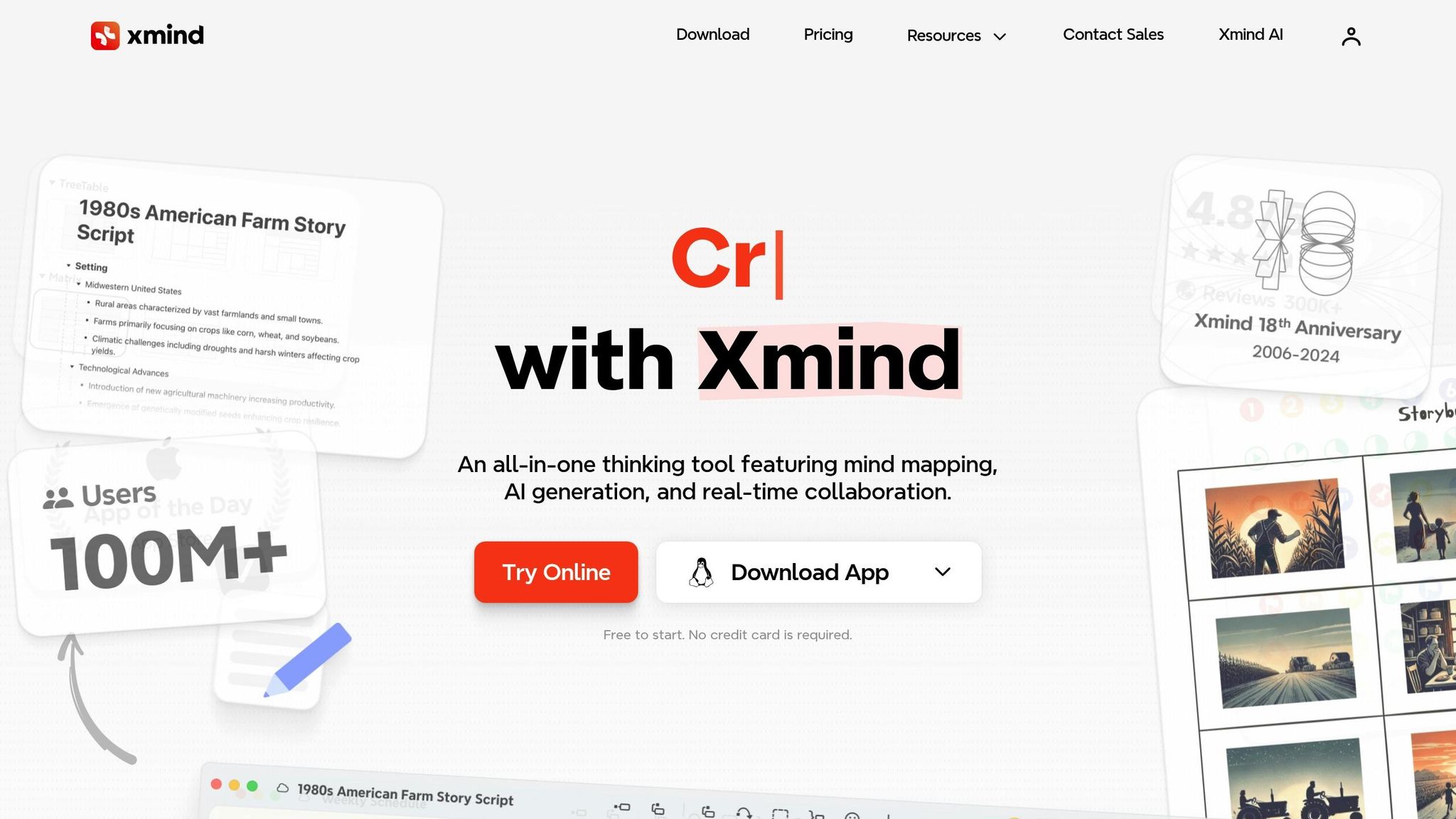
Xmind goes beyond traditional mind mapping by offering features like flowcharts and project planning tools. CTOs can use it to visualize both high-level strategies and detailed implementation processes. It includes a variety of templates for tasks like SWOT analysis and technology roadmapping. With cross-platform access, teams can work on maps from desktops, mobile devices, or the web. Pricing ranges from $10 per month for Pro plans to $28 per month per seat for Business plans.
iMindQ
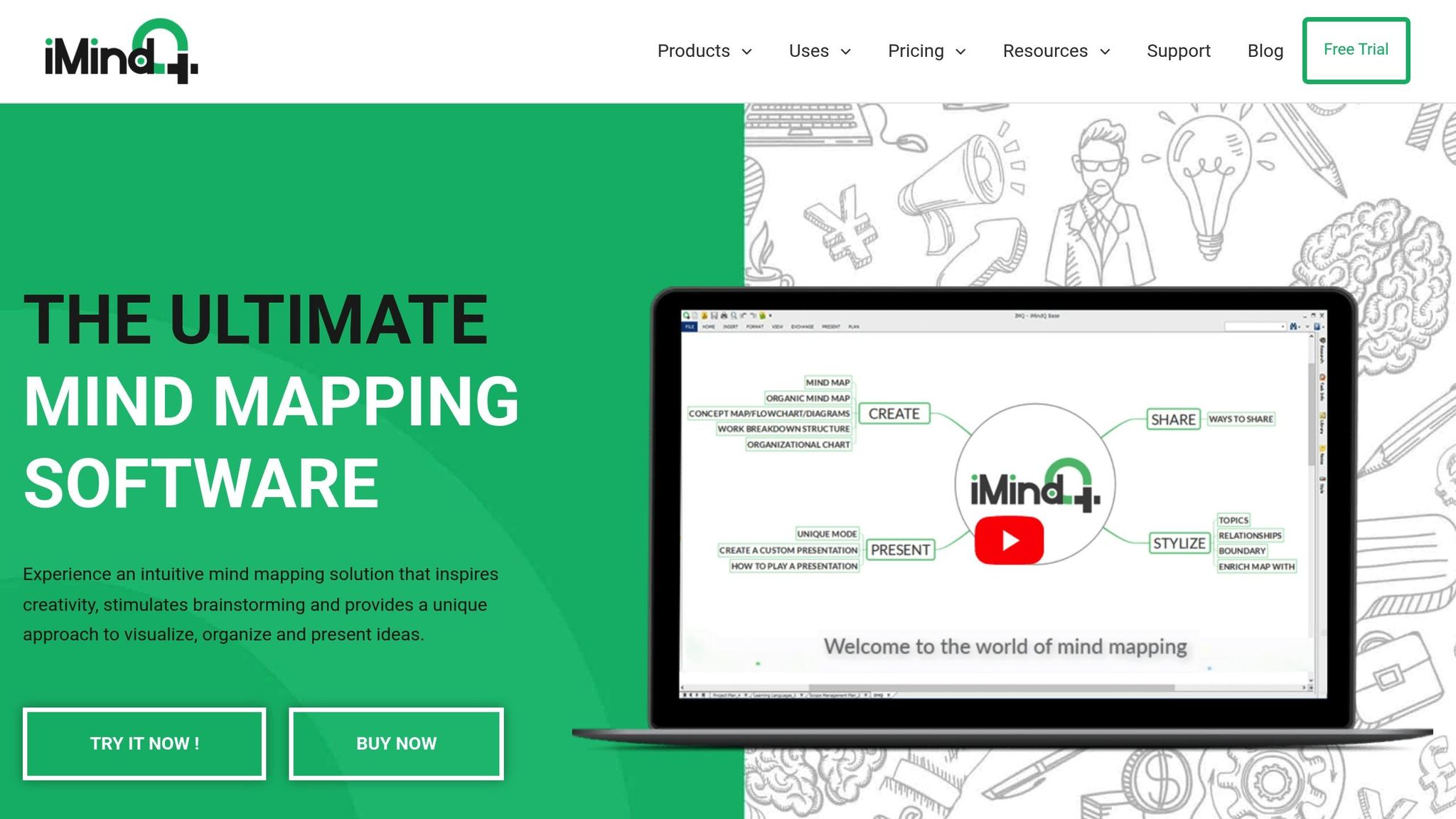
iMindQ is tailored for project planning, making it a strong choice for linking mind maps to project timelines. It integrates seamlessly with Microsoft Office, ensuring smooth data exchange between strategic plans and operational documents. The tool also offers extensive customization options for colors, icons, and layouts, allowing users to create visuals suited for both technical discussions and executive presentations.
Freeplane
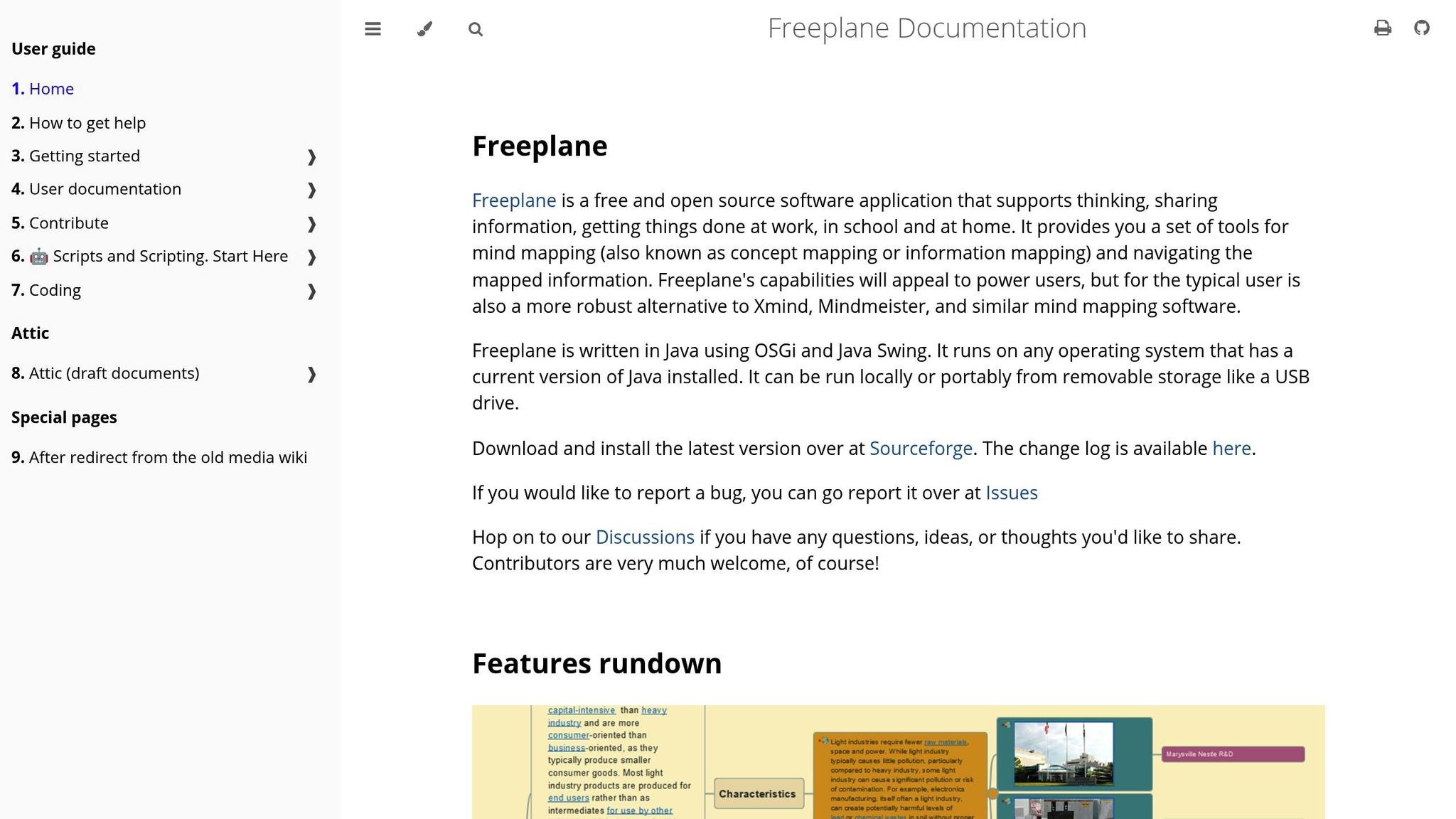
Freeplane is an open-source platform that stands out for its customization capabilities. It supports complex hierarchical structures, making it ideal for representing intricate technology architectures. The tool includes scripting features, which can automate repetitive tasks like generating templates or updating project statuses across maps. While it’s free to use, leveraging its full potential may require some technical expertise.
Compendium
Compendium takes a unique approach by focusing on mapping ideas and arguments rather than just hierarchical structures. This makes it particularly useful for visualizing complex technology decisions and preserving the reasoning behind them. It’s a great fit for collaborative environments, as it captures not only decisions but also the rationale behind them. Compendium is free, offering an accessible option for teams interested in argument-based visualization.
These tools help CTOs visually define technology strategies and align them with business objectives. Here’s a quick comparison to highlight their strengths:
Tool Comparison Summary
| Tool | Starting Price | Key Strength | Best For |
|---|---|---|---|
| MindMeister | $4.50/month | Real-time collaboration | Distributed teams |
| Xmind | $10/month | Versatile templates | Multi-purpose planning |
| iMindQ | Varies | Project integration | Timeline-driven projects |
| Freeplane | Free | Customization & scripting | Technical teams |
| Compendium | Free | Argument mapping | Decision documentation |
Comparing Mind Mapping Tools for CTOs
When CTOs evaluate mind mapping tools for technology leadership, it’s essential to consider how each platform performs in areas that influence strategic planning and team collaboration. Let’s dive into how these tools stack up in terms of collaboration, integrations, security, and pricing.
Collaboration capabilities vary widely across platforms. MindMeister stands out with features like ideas voting and real-time tracking of individual contributions, making it easier to manage team input during strategy sessions. It also simplifies team onboarding with bulk invite options and secure link sharing. XMind, on the other hand, shines with its Xmind.works feature, allowing multiple users to edit simultaneously and enabling link-based access without requiring sign-ins. This makes it particularly useful for collaborations involving external stakeholders or consultants.
Integration ecosystems are another key factor. XMind offers extensive integrations with tools like Evernote, Dropbox, Google Drive, Microsoft OneDrive, and the full Microsoft Office suite. MindMeister focuses more on project management with its native integration with MeisterTask, creating a seamless workflow from planning to execution. Coggle, meanwhile, keeps it simple with core integrations aimed at essential collaboration needs.
Security and platform support are critical considerations as well. XMind ensures data security with AWS syncing, offering advanced protection and global reliability. It also supports native apps across Windows, macOS, iOS, Android, and Linux. In contrast, Coggle operates exclusively as a web-based application, which may limit its appeal for teams needing offline access.
Here’s a quick comparison of the tools:
| Tool | Monthly Price | Key Collaboration Feature | Primary Integration Strength | Platform Support |
|---|---|---|---|---|
| MindMeister | $7.50 | Ideas voting & contribution tracking | MeisterTask integration | Web, mobile apps |
| XMind | $10–$28 | Real-time editing with link access | Microsoft Office integrations | Windows, macOS, iOS, Android, Linux |
| Coggle | $5 (after 3 free private diagrams) | Link sharing and basic commenting | Simple, effective collaboration | Web-based |
Pricing structures also highlight different priorities. Coggle is the most affordable, starting at $5 per month after three free private diagrams. MindMeister’s $7.50 monthly rate includes unlimited mind maps, file attachments, and PDF exports. XMind, with its quarterly billing at $19.99, offers a premium tier, while its $28-per-month business plan provides scalability for larger teams. Free plans are available for all three tools, giving organizations a chance to explore their features without upfront costs.
Each tool offers varying levels of real-time feedback, customization, and integration, making the choice highly dependent on your specific needs. For Microsoft-heavy environments, XMind’s Office integrations make it a strong contender. Teams that prioritize real-time collaboration across platforms may find web-based solutions like MindMeister or Coggle more appealing.
sbb-itb-4abdf47
How CTOs Can Use Mind Mapping for Technology Planning
Mind mapping transforms abstract tech concepts into clear, visual plans. For CTOs managing complex technical decisions while needing to communicate with non-technical executives, these tools are a game-changer. They bridge the gap between intricate technology and business priorities, making communication more effective and actionable.
Communicating Future Technology Architectures
Technology architectures often involve complicated systems, data flows, and integration points that can overwhelm stakeholders when presented in traditional formats. Mind maps simplify this by breaking down these elements into easy-to-follow visual segments.
Take Jackson Smith, a Software Engineer at Sanar, as an example. In October 2024, his team was tasked with designing a Help Chat feature. Using Miro, Smith created a mind map that organized the project into categories like Features, Integration, UX, Security, and Analytics and Observability. This approach ensured the team had a clear understanding of all components, leaving no gaps in the design process.
"Using mind maps in software development helps not only with organization and visualization of ideas but also improves communication among team members."
- Jackson Smith, Software Engineer at Sanar
Mind maps are particularly useful for organizing complex requirements into digestible structures. CTOs can use lines and arrows to show dependencies between systems, making it easier for both technical and business stakeholders to grasp the bigger picture. By focusing on concise phrases and keywords instead of lengthy descriptions, these maps remain clear and easy to navigate. Adding colors and images can also enhance the visual appeal, making even the most complex ideas more accessible.
Aligning Technology Roadmaps with Business Goals
Mind mapping is a powerful way to connect technology plans with business objectives. By visually linking technology investments to specific business outcomes, CTOs can ensure their roadmaps align with organizational priorities. Start with the main business goal at the center, then branch out with technology initiatives. Each branch can include tasks, timelines, and resource needs, providing a clear view of how technology drives business success. This approach also helps identify gaps and redundancies that might be missed with traditional planning methods. Plus, because mind maps are easy to update, CTOs can adjust their plans as business needs evolve.
While aligning strategies is crucial, collaboration is what brings these plans to life.
Collaborative Innovation with Cross-Functional Teams
Mind mapping tools are excellent for fostering innovation by providing a shared visual framework that breaks down technical silos. When teams from marketing, sales, operations, and technology work together on the same map, unexpected connections often lead to new ideas.
Studies show that mind mapping software boosts productivity by 23% on average and reduces communication gaps by 60% when clear roles are established. Features like real-time collaboration create dynamic brainstorming sessions where contributions from all departments are captured and organized. Asynchronous collaboration also ensures team members in different time zones or with varying schedules can participate on their own time.
| Element | Purpose | Function |
|---|---|---|
| Main Branches | Primary categories related to the central theme | Divide the central idea into clear segments |
| Sub-Branches | Provide more detail and specific information | Explore main branches in greater depth |
| Detailed Nodes | Final level of branches with specific details | Represent individual tasks or facts |
| Cross-Links | Connect different branches to show relationships | Highlight how various parts are interconnected |
To make the most of mind mapping, CTOs should establish clear protocols for updating and documenting contributions. Feedback loops with open communication ensure everyone stays engaged. Choosing software tailored to your team’s needs – and ensuring it’s accessible to all participants – can help cross-functional teams tackle even the most complex challenges with creativity and precision.
The CTOx Perspective: Supporting Fractional CTOs with Mind Mapping Tools
As discussed earlier, mind mapping offers a range of features that make it a powerful tool for technical planning. From the CTOx perspective, these tools are particularly effective for fractional CTOs, helping them navigate the unique challenges of their role.
Fractional CTOs often juggle multiple organizations, each with its own technology stack, business model, and workplace culture. CTOx uses mind mapping to simplify strategic planning and communication, emphasizing the importance of visual tools in managing several high-stakes businesses. This approach ensures that fractional CTOs can deliver measurable results within their first 90 days on the job.
When overseeing technology roadmaps for multiple companies, strategic planning can quickly become overwhelming. CTOx equips fractional CTOs with visual frameworks that transform this complexity into clear, actionable plans. These frameworks allow CTOs to define goals, outline steps, and allocate resources in a way that’s easy for non-technical stakeholders to understand. This method reflects CTOx’s commitment to practical, visually driven strategies.
Mind mapping also aligns with CTOx’s mission to help fractional CTOs focus on high-level technology leadership while avoiding unnecessary operational distractions.
"Mind mapping is an effective creative thinking tool loved by over 250 million people around the world." – Louise Cunnah, Ayoa Blog Author
CTOx takes full advantage of mind mapping’s potential in areas like cybersecurity, data governance, and compliance. These tools enable fractional CTOs to create visual compliance frameworks that link security policies directly to business processes. This kind of clarity helps executives see the connection between technology investments and risk management.
Collaboration across teams is another area where CTOx-supported fractional CTOs shine. Shared visual frameworks break down technical silos and foster better teamwork across diverse organizations. Whether managing remote or in-person teams, CTOx ensures that mind mapping becomes a key tool for driving seamless, high-performance collaboration.
Presenting complex strategies in a clear, visual format also enhances the professional image of fractional CTOs. A well-organized visual framework highlights their expertise and makes their value proposition stand out.
Additionally, CTOx uses mind mapping to help fractional CTOs manage industry-specific insights. Coordinating global teams of experienced technology leaders becomes more efficient when tasks and outcomes are clearly structured in visual formats. This approach is especially valuable for multi-stakeholder projects that require tight coordination.
The 90-day delivery framework promoted by CTOx fits perfectly with mind mapping’s ability to break down large-scale technology transformations into manageable phases. By using templates, fractional CTOs can maintain consistency while tailoring details as needed. Visual timelines help connect short-term wins to long-term goals, making it easier for business leaders to see the immediate and lasting value of their technology investments.
Conclusion
Mind mapping tools have become a powerful ally for CTOs navigating the intricate world of technology leadership. The right tool can reshape how strategic plans are crafted, improve team collaboration, and streamline the development of technology roadmaps. Whether you’re leading a single organization or juggling responsibilities as a fractional CTO, these visual tools offer the clarity and structure needed to achieve meaningful outcomes.
The trick is finding the tool that fits your specific needs. Instead of getting lost in endless feature comparisons, CTOs should focus on what matters most: their team’s collaboration style, integration capabilities, and security requirements.
These tools do more than just organize ideas – they can significantly boost productivity and team performance. By fostering a shared visual language, mind mapping tools help dismantle departmental silos and spark innovation across the board. Studies even show that collaborative tools can lead to measurable productivity gains .
To make the most of these tools, start with a clear vision. Use features like AI-assisted task creation to turn ideas into actionable steps with deadlines and assigned responsibilities. By visually organizing priorities with labels and color coding, even the most complex strategies become accessible to non-technical stakeholders. This approach ensures that every element of your technology roadmap is actionable and aligned with your broader business objectives.
The payoff? Better communication, quicker decisions, and sharper strategic planning. As technology leadership grows more challenging, mind mapping tools offer the structure needed to transform big-picture ideas into executable plans. Whether you’re exploring free or premium options, take the time to find a tool that matches your organization’s goals and your leadership style. These visual frameworks aren’t just tools – they’re a reflection of what effective CTO leadership looks like in action.
FAQs
How can mind mapping tools improve collaboration for technology teams?
Mind mapping tools make it easier for technology teams to work together by offering a clear and visual method to organize ideas and workflows. These tools enable team members to exchange insights in real-time, simplify complex information, and stay aligned on strategies – whether they’re working remotely or in a hybrid setup.
With features like real-time collaboration and easy accessibility, these tools help teams make smarter decisions, define project goals more clearly, and monitor progress without hassle. They’re especially useful for cross-functional teams, ensuring everyone stays connected and focused on shared objectives.
What key security features should CTOs look for in mind mapping tools to protect sensitive data?
When choosing a mind mapping tool, CTOs need to focus on strong security features to protect sensitive data. It’s important to select tools that include ISO 27001 certification, comply with GDPR and CCPA, and use TLS encryption to safeguard information during transfers. A solid security setup should also include firewalls, network access controls, and DDoS protection to fend off potential threats. Moreover, look for tools that offer regular data backups and operate from secure, certified data centers to reduce risks and maintain data integrity.
How can CTOs use mind mapping tools to enhance project management and streamline workflows?
CTOs can use mind mapping tools to streamline project management by visually laying out ideas, tasks, and workflows. These tools break down complicated projects into smaller, more approachable parts, making it simpler to prioritize tasks, spot dependencies, and ensure team efforts align with overall strategic goals.
When mind maps are integrated with existing project management systems, teams can collaborate in real-time, monitor progress, and maintain a clear understanding of the project at every stage. This method not only makes planning more straightforward but also enhances communication and helps execute technology projects more effectively.